Movie App
React Movie Discovery App Powered by TMDb and Appwrite
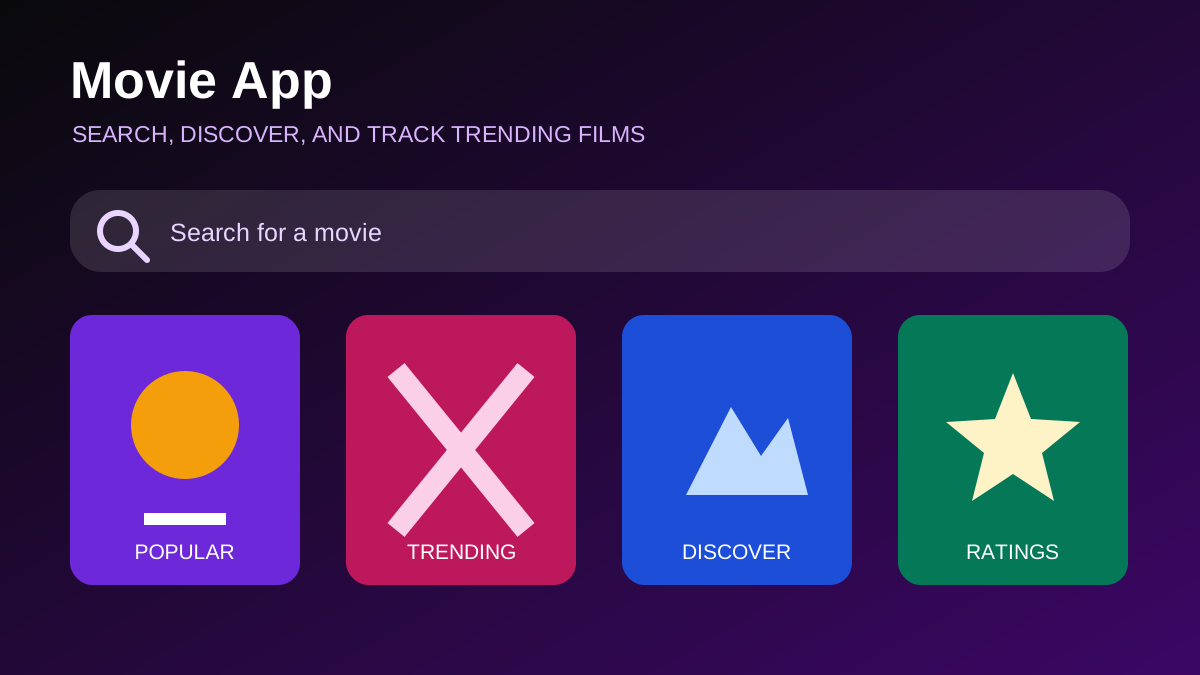
Movie App is a React-based discovery interface that combines live movie data from The Movie Database with search analytics stored in Appwrite. Users can browse popular films, search by title, and see trending searches presented as a separate discovery list.
The Discovery Experience
The home page opens with popular movies from TMDb. Each card presents a poster, title, average rating, original language, and release year. A search field lets the user replace that broad catalogue with a more focused result set, while loading and error states make network activity visible.
The interface is intentionally compact. Rather than reproducing a complete streaming service, it concentrates on the path from an open-ended question—“What should I watch?”—to a useful group of candidates.
Fetching Data from TMDb
The application keeps its TMDb configuration in one place and selects an endpoint based on whether a search query exists. An empty query loads popular titles; a non-empty query uses the movie-search endpoint with the text safely encoded in the URL. The API key is read from a Vite environment variable instead of being written directly into the component.
The fetch flow clears previous errors, shows a loading state, checks the HTTP response, and then stores the returned results. Missing poster paths are handled with a local fallback image, and incomplete release information is displayed as unavailable instead of causing a rendering error.
Debounced Search
Sending a request after every keystroke wastes network calls and can make results arrive out of order. Movie App waits 500 milliseconds after the user stops typing before updating the active search term. The data-fetching effect depends on that debounced value, so several quick keystrokes usually produce one request.
This delay is long enough to reduce unnecessary traffic while still feeling responsive. A more advanced version could also cancel an earlier request with an AbortController when a new search begins, guaranteeing that an older response cannot replace newer results.
Turning Searches into Trending Data
Appwrite adds a small analytics layer. When a search returns results, the application looks for an existing document with the same search term. If one exists, its count is incremented and its associated movie information is refreshed. If not, a new document stores the term, an initial count, and a representative movie poster.
The trending query orders those documents by count and limits the result to five entries. This creates a feedback loop based on actual searches inside the app rather than a second external popularity list. It also demonstrates how a frontend can combine a public content API with a separate backend service.
Component Boundaries
The main component owns search state, request state, movies, and trending results. Smaller components handle the search field, loading spinner, navigation, and individual movie cards. This keeps display logic reusable and makes the data flow easy to follow.
The current implementation is a single-page discovery experience. Although the repository description mentions movie details, the code presently focuses on lists and cards rather than a routed detail screen. Keeping that distinction clear makes the case study match the implemented product.
Limitations and Next Steps
Search counts are useful signals, but they can be influenced by repeated searches and do not represent unique users. Production analytics would need privacy-aware identifiers, rate controls, and a clearer retention policy. The application also needs request cancellation, pagination, caching, and more accessible status announcements before handling a much larger audience.
Possible additions include a movie detail route, genre and year filters, saved favourites, trailer links, and tests for empty, loading, failure, and partial-data states.
What This Project Demonstrates
Movie App combines React state, debounced input, API integration, defensive rendering, Appwrite queries, and responsive Tailwind CSS. It shows how a focused client application can turn external data and local interaction signals into a useful discovery experience.