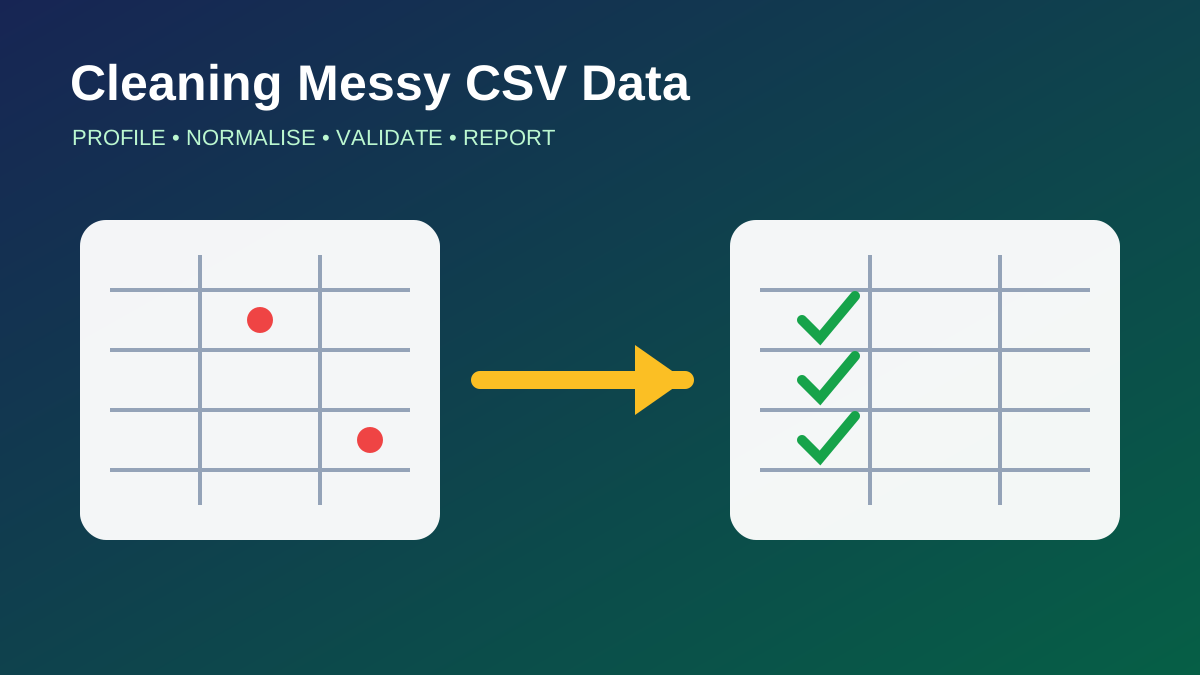
A Practical Workflow for Cleaning Messy CSV Data
Cleaning a CSV file is rarely a single call to remove missing values. Real files contain mixed types, duplicate records, inconsistent units, broken timestamps, impossible values, and fields whose meaning changes between exports. A reliable workflow makes every decision visible and repeatable.
Preserve the Raw Input
The original file should be immutable. Copy it into a raw-data area, record its source, size, checksum, and acquisition time, then produce cleaned outputs elsewhere. If a transformation later turns out to be wrong, the team can reproduce the process from the same starting point.
File-level checks come first. Confirm the delimiter, encoding, header row, line endings, and approximate row count. A CSV parser should handle quoting and embedded delimiters; splitting lines manually on commas will fail as soon as a text field contains punctuation.
Profile Before Changing Anything
Load a representative sample and inspect column names, inferred types, missingness, unique counts, minimum and maximum values, and common categories. Profiling turns vague “messiness” into specific problems. A numeric column stored as text may contain currency symbols. A date column may mix formats. A category may differ only in capitalisation or whitespace.
Write the expected schema beside the observations. For each column, define its type, allowed range or categories, null policy, unit, and whether it contributes to a unique key.
Normalise Structure First
Column names should follow one convention. Trim surrounding whitespace from text fields, normalise case only where case has no meaning, and map known category variants to a canonical value. Parse numbers and dates with explicit rules instead of accepting whatever the library infers.
Units require special care. A temperature column cannot safely mix Celsius and Fahrenheit, and a price column needs a known currency. Convert into one standard representation and keep the conversion rule in code.
Treat Missing Data as Information
Missing values can mean unknown, not applicable, not collected, or failed measurement. Replacing every null with zero destroys those distinctions. The right response depends on the field and the downstream use.
Options include keeping the value missing, dropping records that lack essential identifiers, imputing from a defensible statistic, or adding a flag that records the imputation. Whatever method is chosen should be fitted on training data only when the cleaned file will feed a machine-learning model.
Detect Duplicates with a Defined Key
Exact duplicate rows are easy to find, but operational duplicates are harder. Two sensor readings may refer to the same device and timestamp while differing in an ingestion field. Define the business key before removing anything, then decide which record wins: earliest, latest, most complete, or highest-quality source.
Validate Values and Relationships
Range checks catch impossible ages, negative durations, and coordinates outside valid bounds. Cross-field checks catch end times before start times or totals that do not match their components. Time-series data also needs ordering, interval, and timezone checks.
Do not silently discard failures. Send invalid rows to a quarantine output with a reason code. This preserves evidence and makes source-system problems measurable.
Produce a Data Quality Report
A cleaning run should report input rows, output rows, duplicates removed, values converted, missing values handled, and validation failures by rule. Save the transformation version and parameters with the output.
The goal is not a file that merely loads without errors. It is a dataset whose assumptions are documented, whose changes can be audited, and whose quality can be compared from one run to the next.